https://github.com/MihhailLastovski/restDemo.git – файлы проекта
- Установить Node.js
- Создать папку rest-api в repos
- Открыть папку с помощью удобного редактора кода (VScode, JetBrains)
- Создать файл index.js и вставить в него следующий код:
const express = require('express');
const cors = require('cors');
const app = express();

app.use(cors());        // Avoid CORS errors in browsers
app.use(express.json()) // Populate req.body

const widgets = [
    { id: 1, name: "Cizzbor", price: 29.99 },
    { id: 2, name: "Woowo", price: 26.99 },
    { id: 3, name: "Crazlinger", price: 59.99 },
]

app.get('/widgets', (req, res) => {
    res.send(widgets)
})

app.get('/widgets/:id', (req, res) => {
    if (typeof widgets[req.params.id - 1] === 'undefined') {
        return res.status(404).send({ error: "Widget not found" })
    }
    res.send(widgets[req.params.id - 1])
})

app.post('/widgets', (req, res) => {
    if (!req.body.name || !req.body.price) {
        return res.status(400).send({ error: 'One or all params are missing' })
    }
    let newWidget = {
        id: widgets.length + 1,
        price: req.body.price,
        name: req.body.name
    }
    widgets.push(newWidget)
    res.status(201).location('localhost:8080/widgets/' + (widgets.length - 1)).send(
        newWidget
    )
})

app.delete('/widgets/:id', (req, res) => {
    if (typeof widgets[req.params.id - 1] === 'undefined') {
        return res.status(404).send({ error: "Widget not found" })
    }
    widgets.splice(req.params.id-1,1)
    req.status(204).send()
})

app.listen(8080, () => {
    console.log(`API up at: http://localhost:8080`)
})
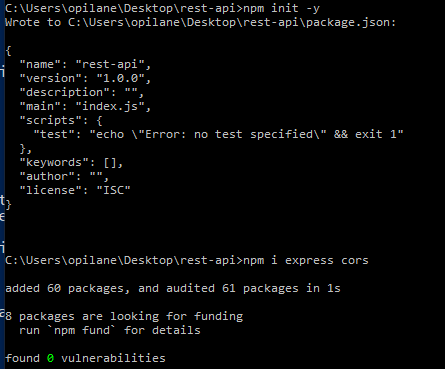
5. в терминале проделать следующие команды
npm init -y

npm i express cors

node .
7. установить инструмент для HTTP запросов https://github.com/ducaale/xh в папку repos/bin
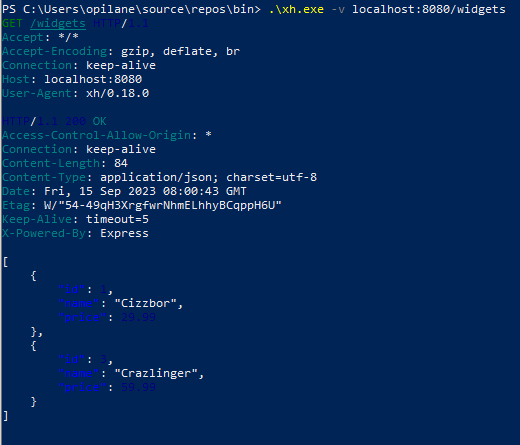
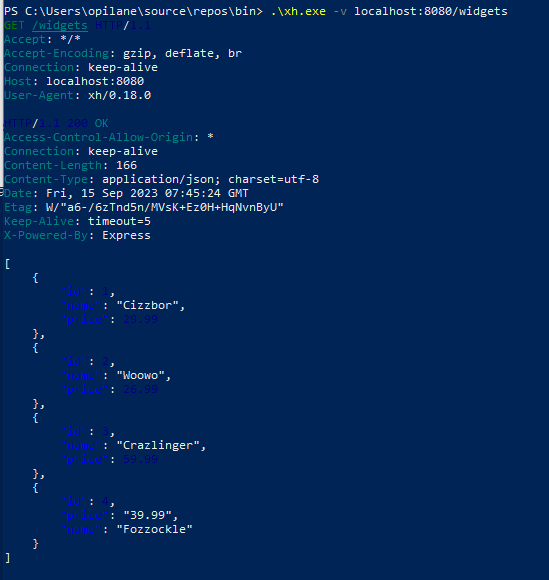
8. в терминале выполнить команду .\xh.exe -v localhost:8080/widgets – это запрос на получение данных из API
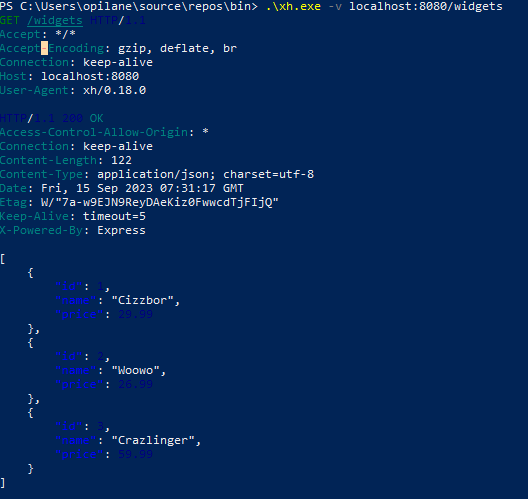
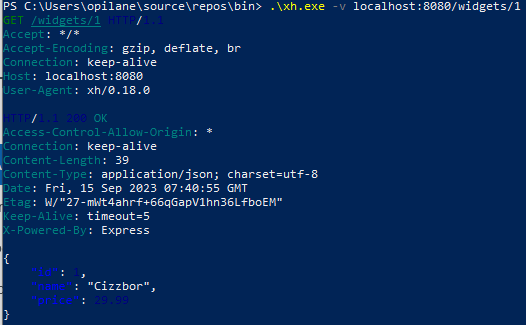
.\xh.exe -v localhost:8080/widgets/1 – запрос на получения данных по 1 id
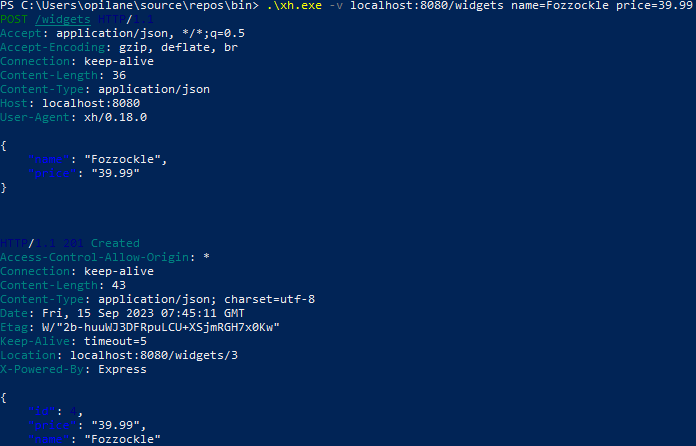
.\xh.exe -v localhost:8080/widgets name=Fozzockle price=39.99 – добавление данных в API с параметрами name и price
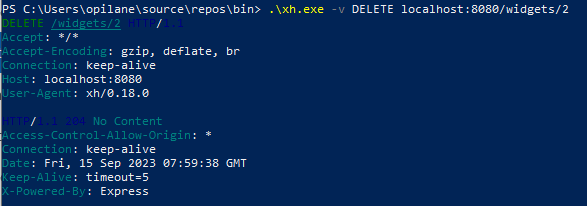
.\xh.exe -v DELETE localhost:8080/widgets/2 – удаление виджета под id 2